

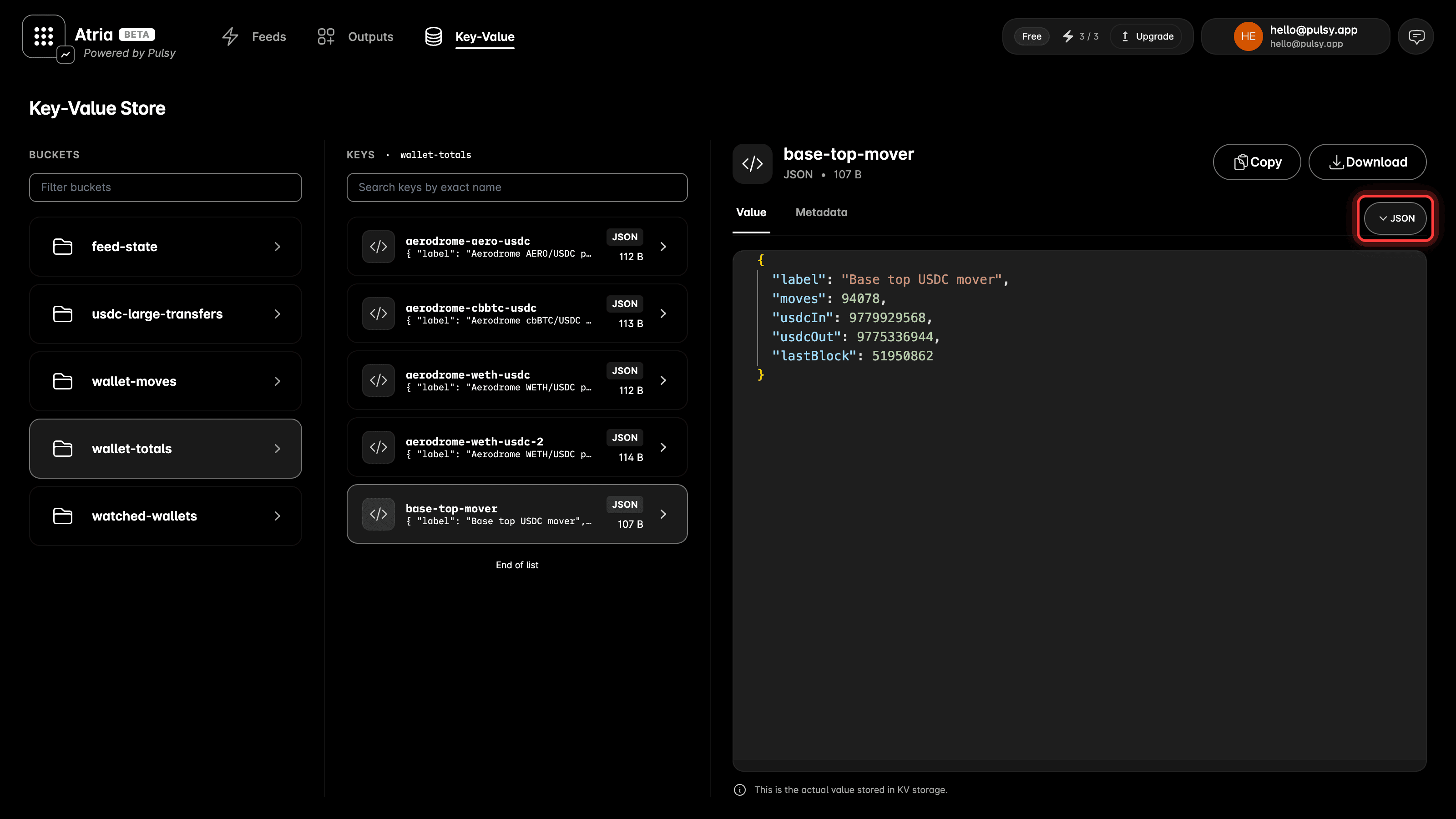
See what is in your KV storage
Key-Value is a new item in the top navigation.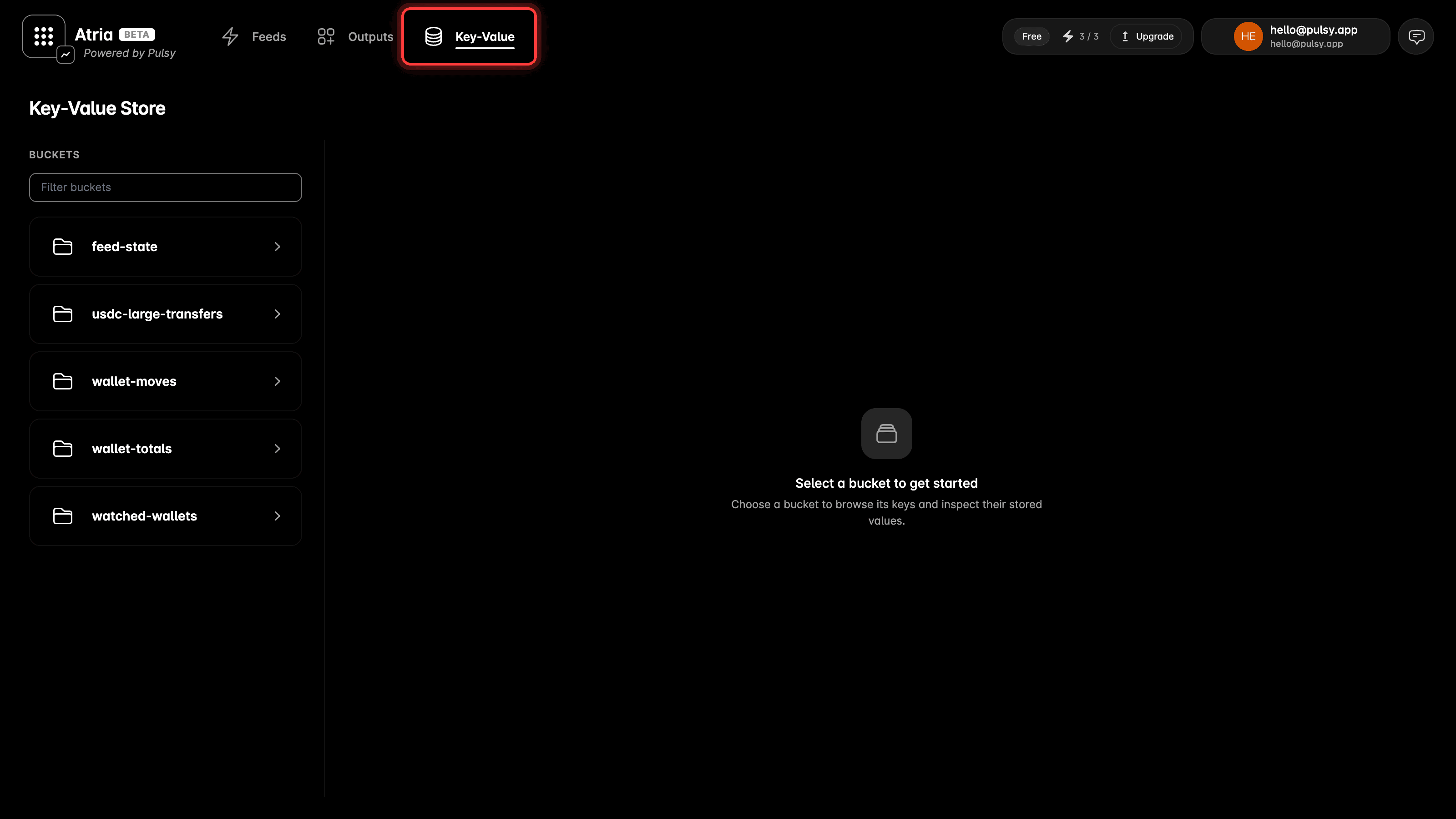
KV works on a fresh self-hosted stack
@atria/kv needs a key-value service running next to Atria, and the compose files did not start one. A stack came up looking fine, then the first feed that called KV failed with a connection error.
The compose files start it now. Pull them, bring the stack up, and @atria/kv works. Its data sits in data/ekv next to your Postgres data, so it survives a restart.
See self-hosting for the full stack.
A feed that cannot be recovered now says so
Atria keeps a window of recent blocks per chain. A feed that is stopped for long enough falls behind the oldest block in that window, and there is no way to carry on from where it left off. Atria used to keep retrying, with nothing in the dashboard to explain it. Now the feed moves to Error and carries the reason,Feed cursor (block 1234) is behind chain tail (block 5678). Start it again from a block that is still in the window.
See cursors and block delay for how the cursor moves.