Manage Feeds
Use the Feeds page to operate feeds after they have been created.Read Feed Status
The Status column shows the feed state. When live stream data is available, the status also shows whether the feed is in sync or behind the chain head.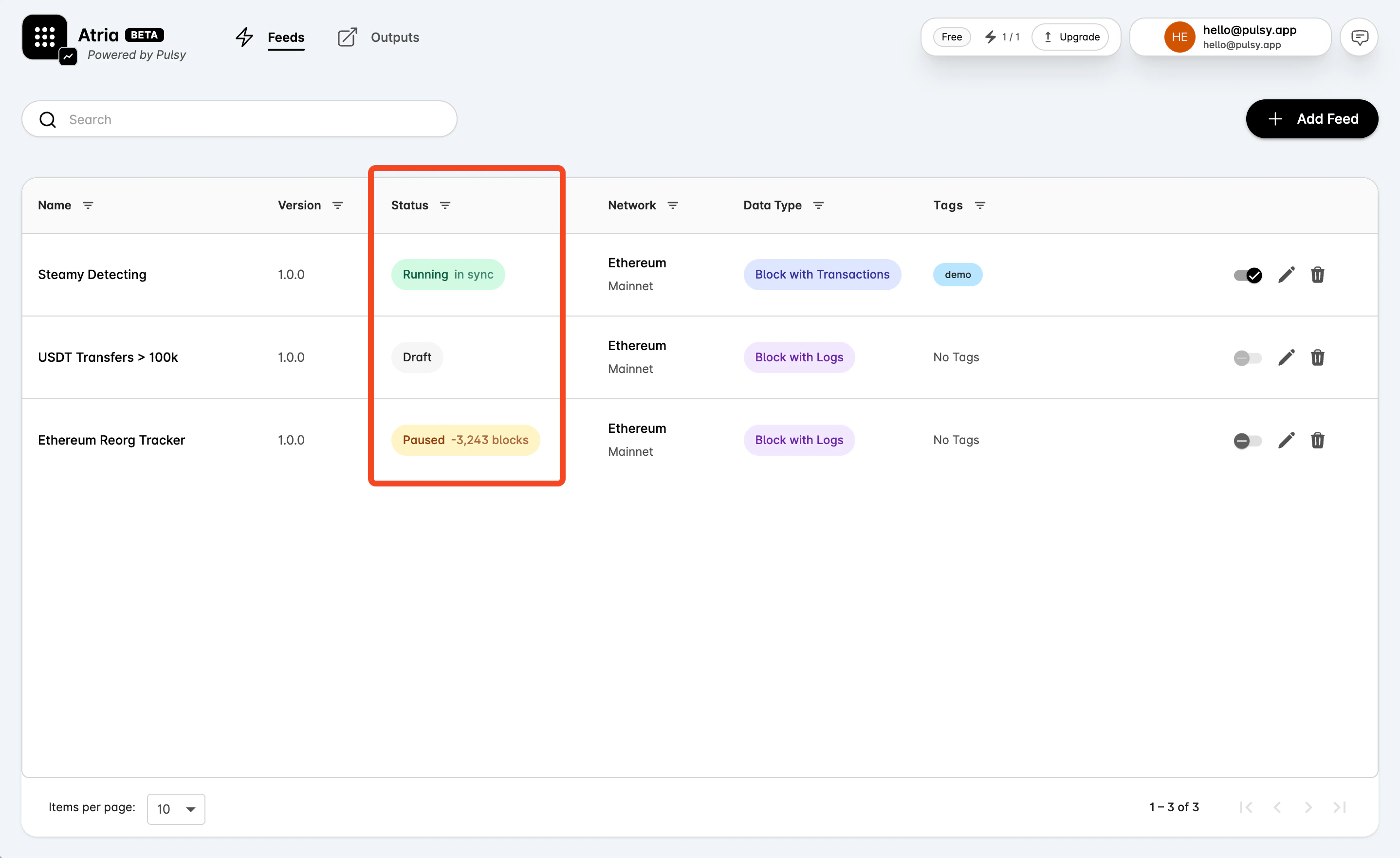
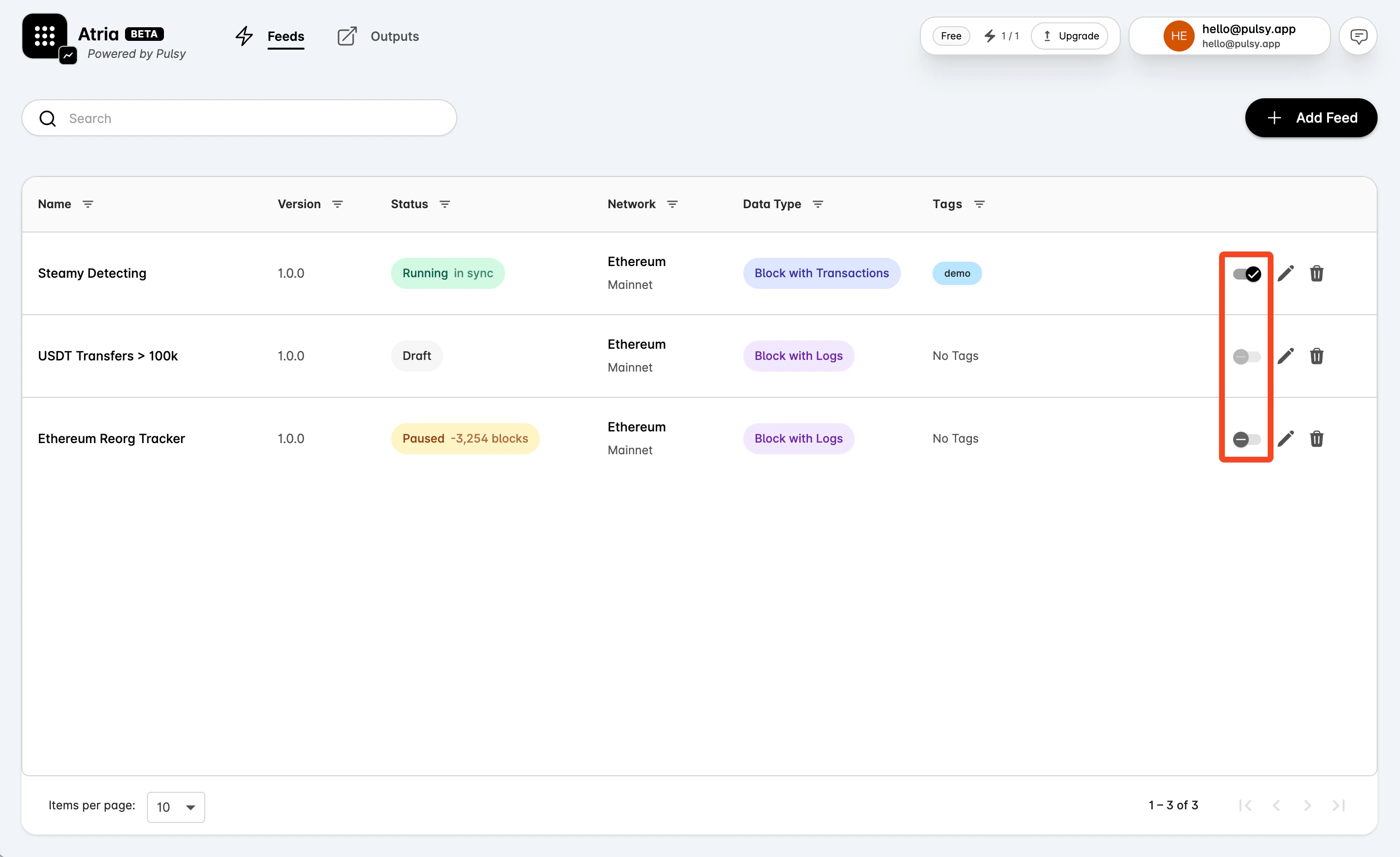
Pause or Resume a Feed
Use the toggle in the feed row.- If the feed is Running, the toggle pauses it.
- If the feed is Paused, the toggle resumes it.
- The toggle is disabled when the feed is not in an active state that can be paused or resumed.
Edit a Feed
Select the edit action in the feed row to open the feed workspace. From there you can change settings, filter logic, outputs, and tags. After a change, run the test flow again before deploying the updated feed.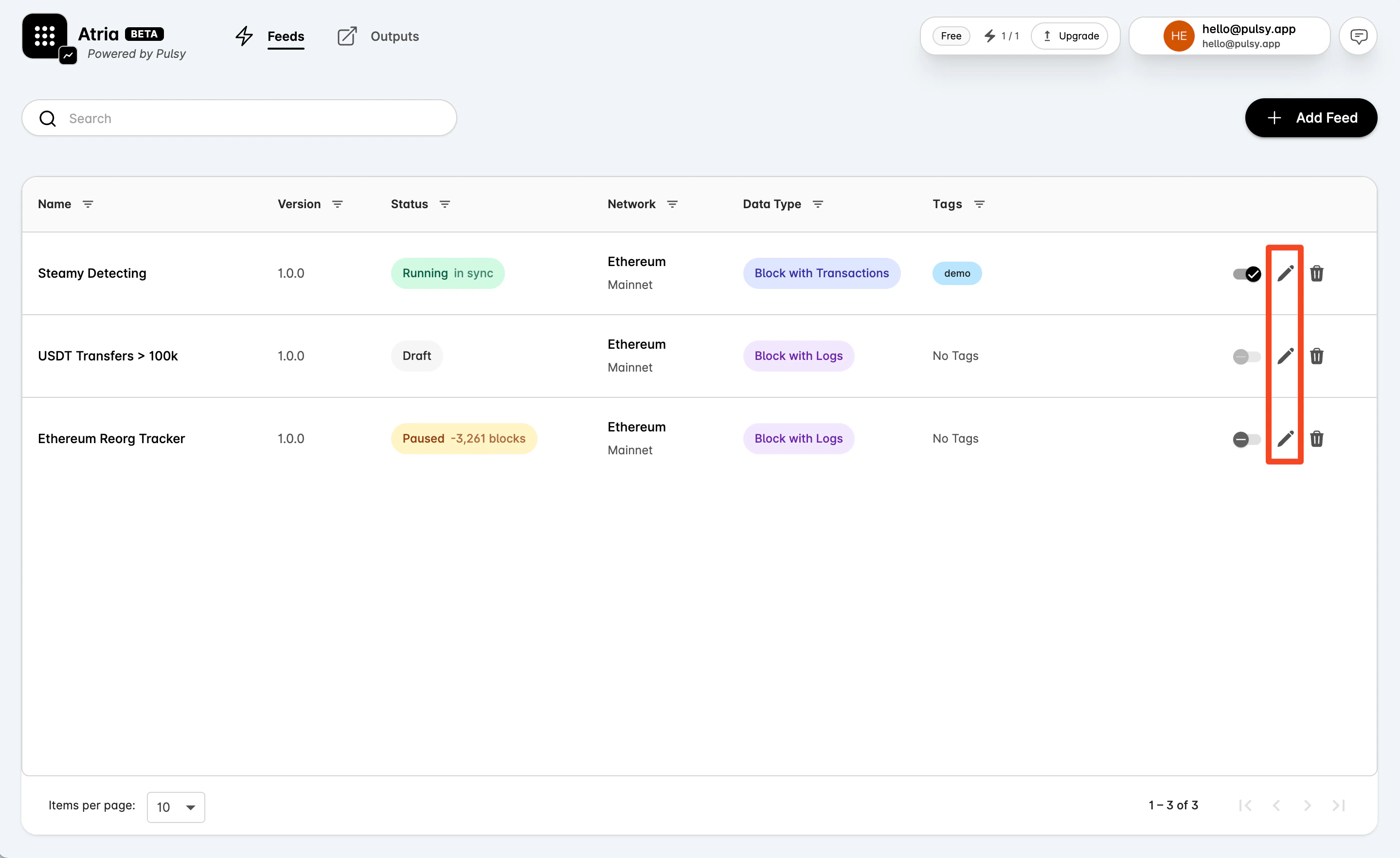
Share a Feed
Open a feed and select Share in the feed header to publish a read-only link. Anyone with the link can view the feed’s code, its live events and its metrics without an Atria account. Outputs, webhooks, tags and deploy history stay private.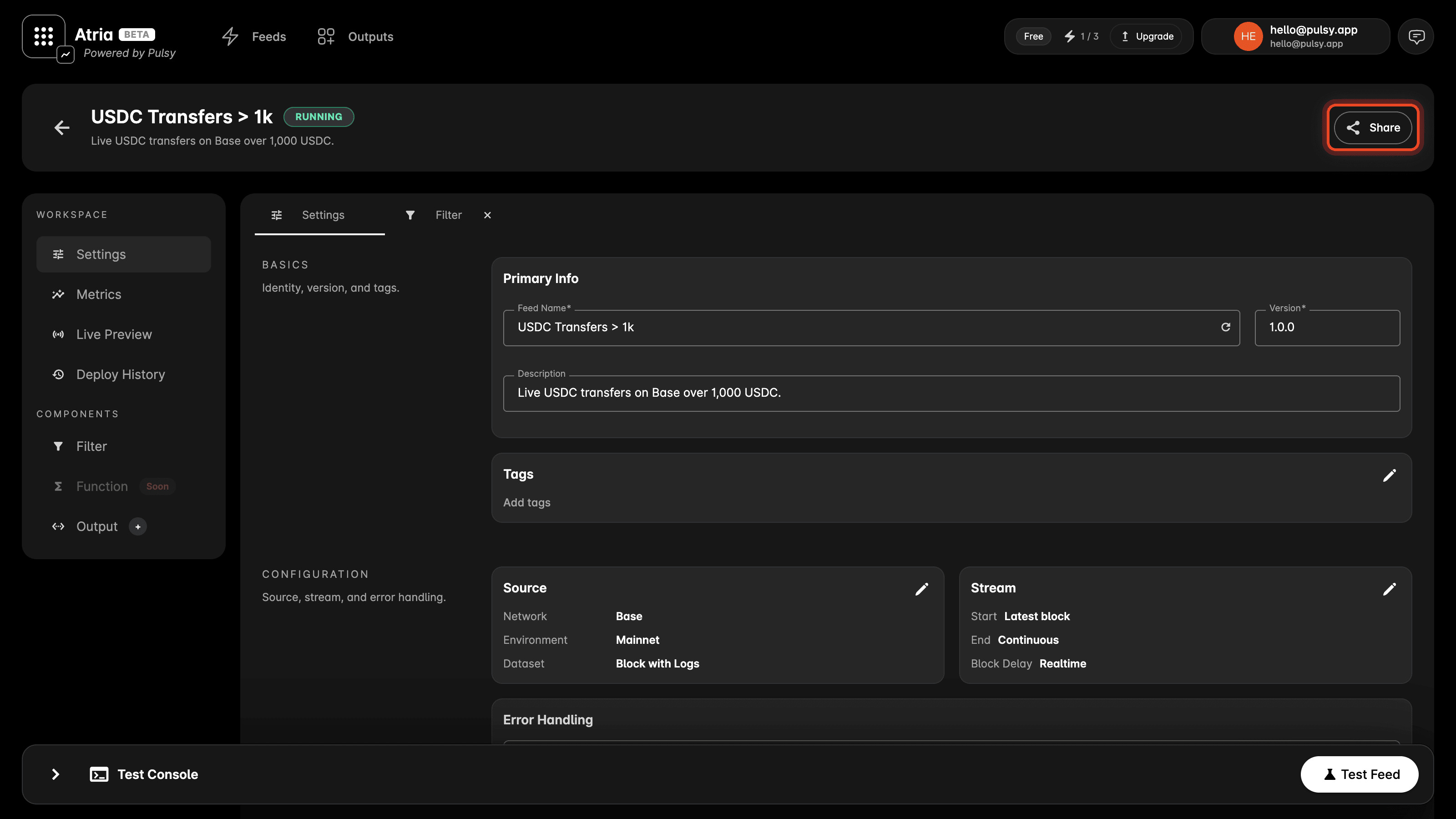
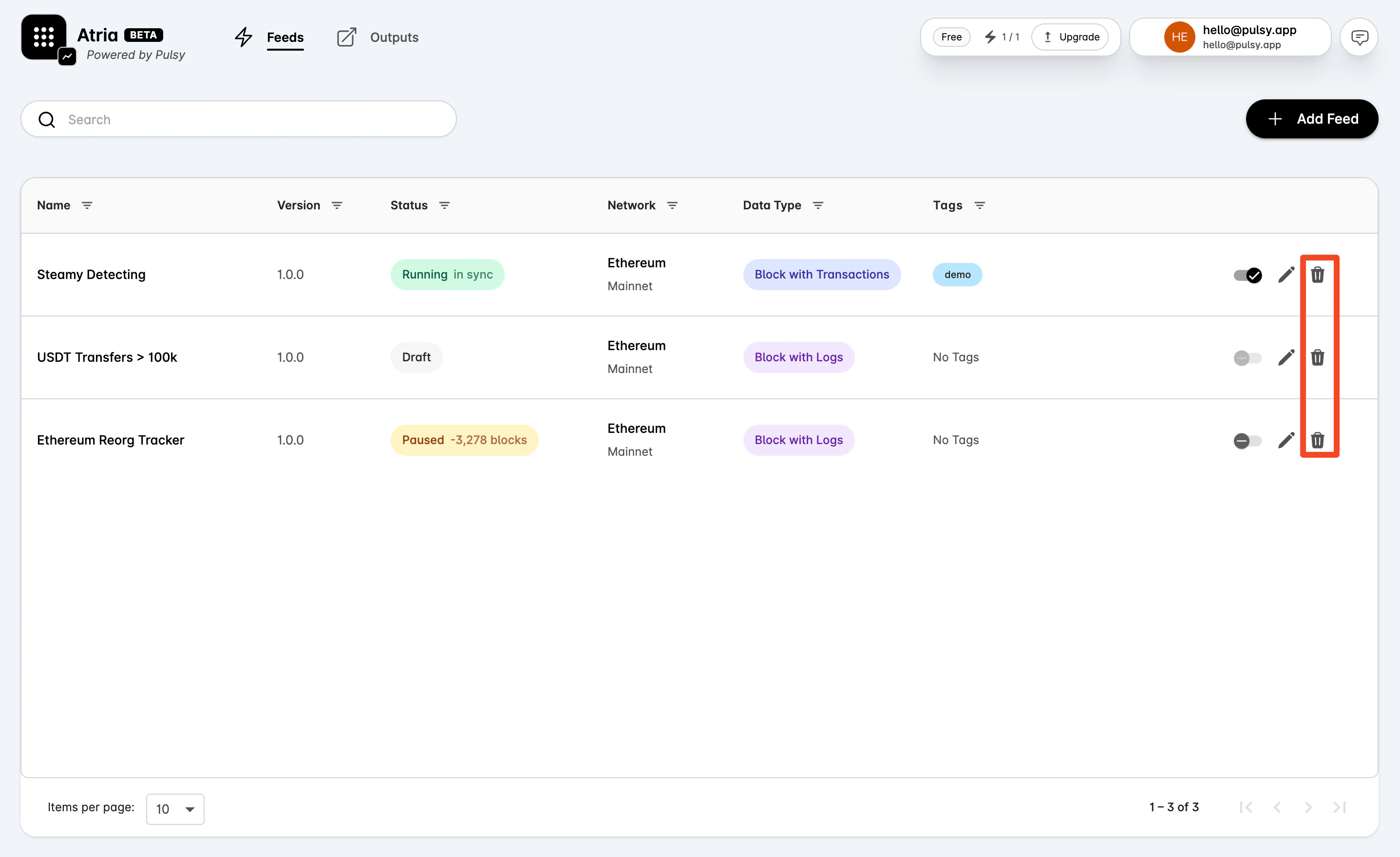
Delete a Feed
Select the delete action in the feed row. Deletion cannot be undone.