Running Feeds
When a feed is running, the Runtime claims the feed with a lease, reads block data, executes logic, and advances the feed cursor. The lease is the runtime’s temporary ownership marker, so another runtime instance does not process the same feed at the same time.Start Block
If a feed has astartBlock, processing begins there. If not, the runtime can start from the current chain head.
Block Delay
A feed can use a block delay so it processes blocks only after the chain has advanced beyond them. This can reduce reorg risk.Cursor
The cursor stores the next block to process. If the feed restarts, it resumes from the cursor. See cursors and block delay.Metrics
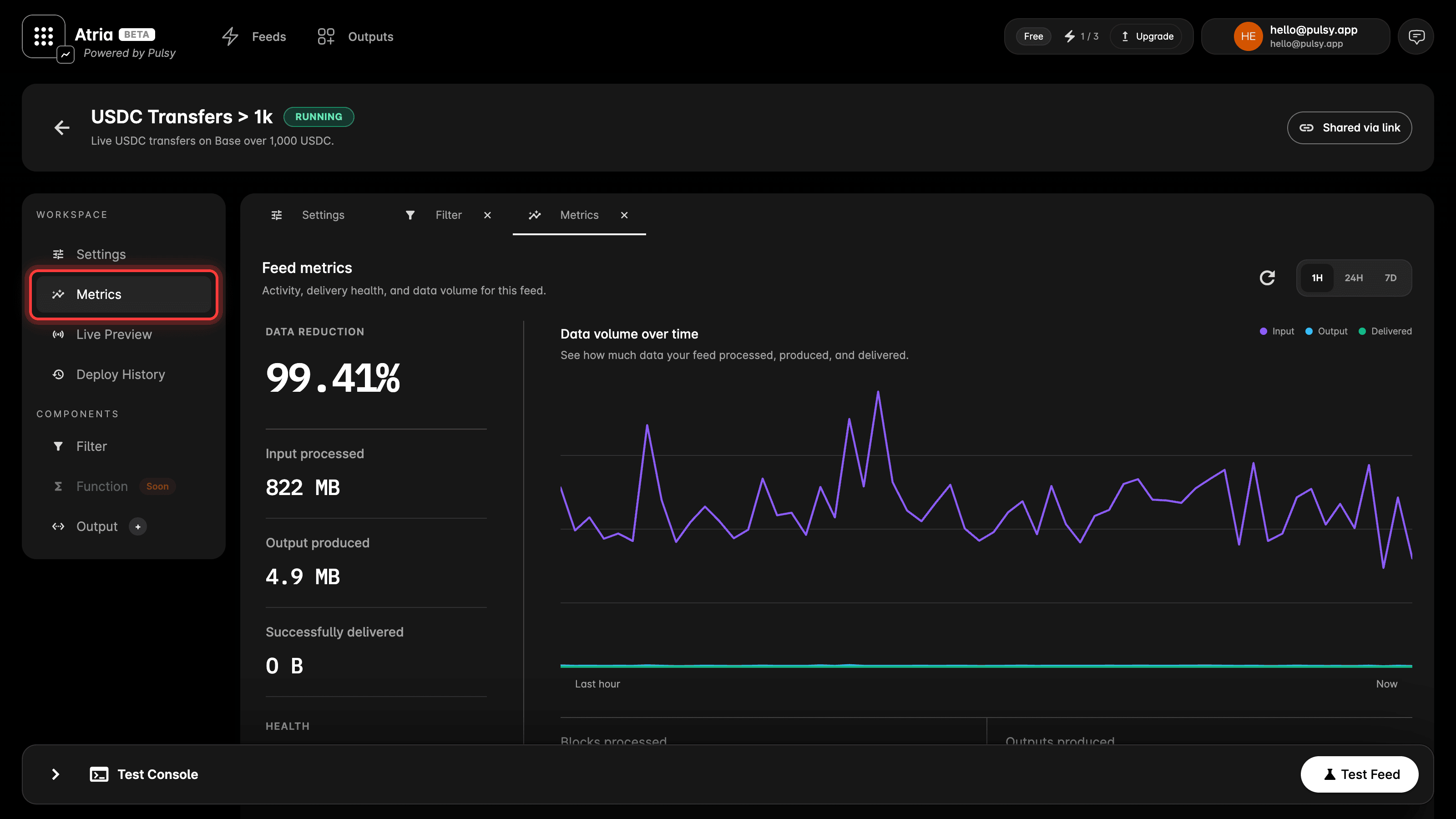
A running feed has a Metrics tab in its workspace. It reports what the feed has actually done over the last hour, 24 hours or 7 days. Health:- Blocks processed and Outputs produced, so you can see the feed is keeping up.
- Successfully delivered, the volume that reached your outputs.
- Failures.
- Data reduction, how much smaller your output is than the raw block data it was built from.
- Data volume over time, input processed against output produced.